


- SKU:
- VENDOR: BenQ
TWY31 InstaShare Button
Manufacturer’s Warranty
Easy Returns & Exchanges
Best Price
Couldn't load pickup availability
Guaranteed Safe Checkout


- Plug and click to instantly share your screen
- Side-by-side view of multiple shared screens
- Broadcast large display to connected devices
- Designed for notebooks with USB-C
- No additional software required
Share your screen with a single click on BenQ displays
Sharing content without limits while sitting anywhere in the room is only a click away. Designed to enable wireless screen sharing without needing to download software on your notebook, the InstaShare Button eliminates the fuss of passing around cables so everyone can fully focus on the discussion.
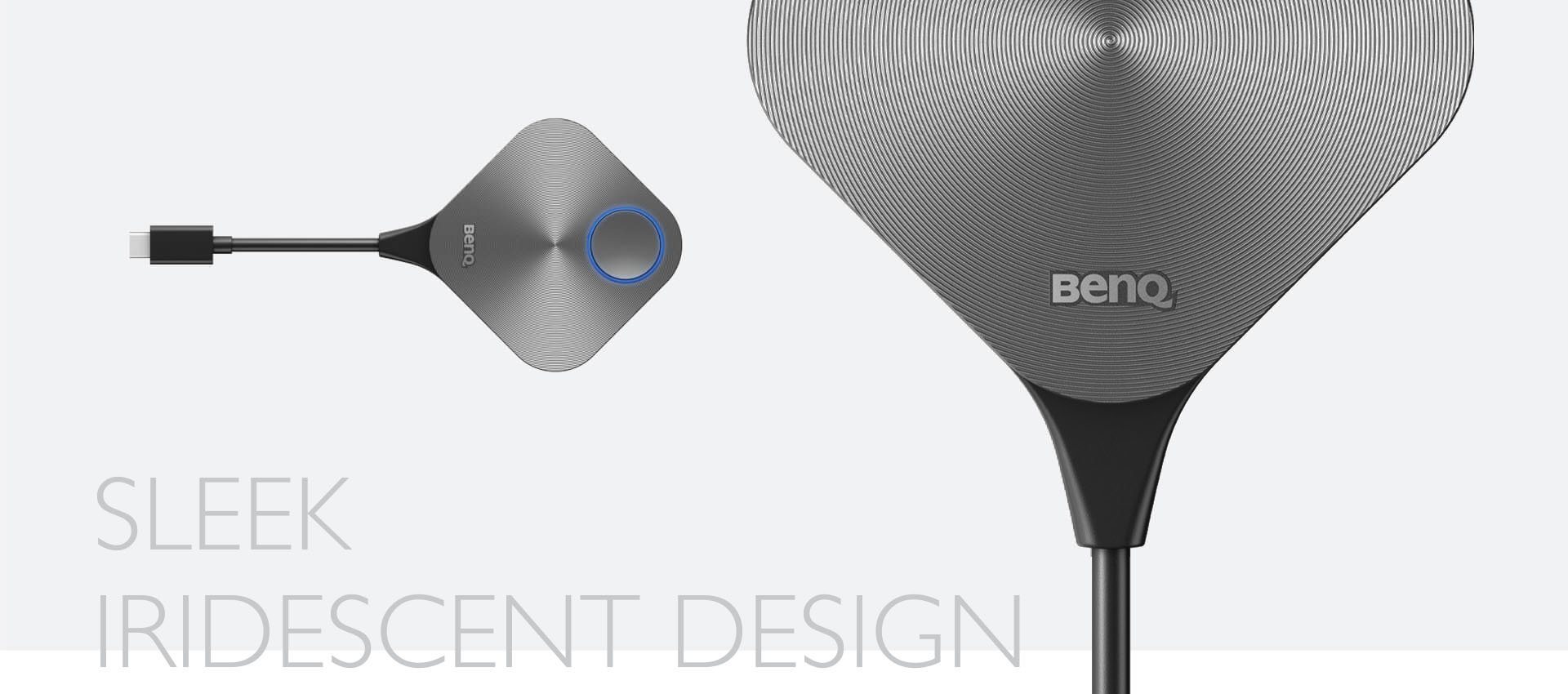
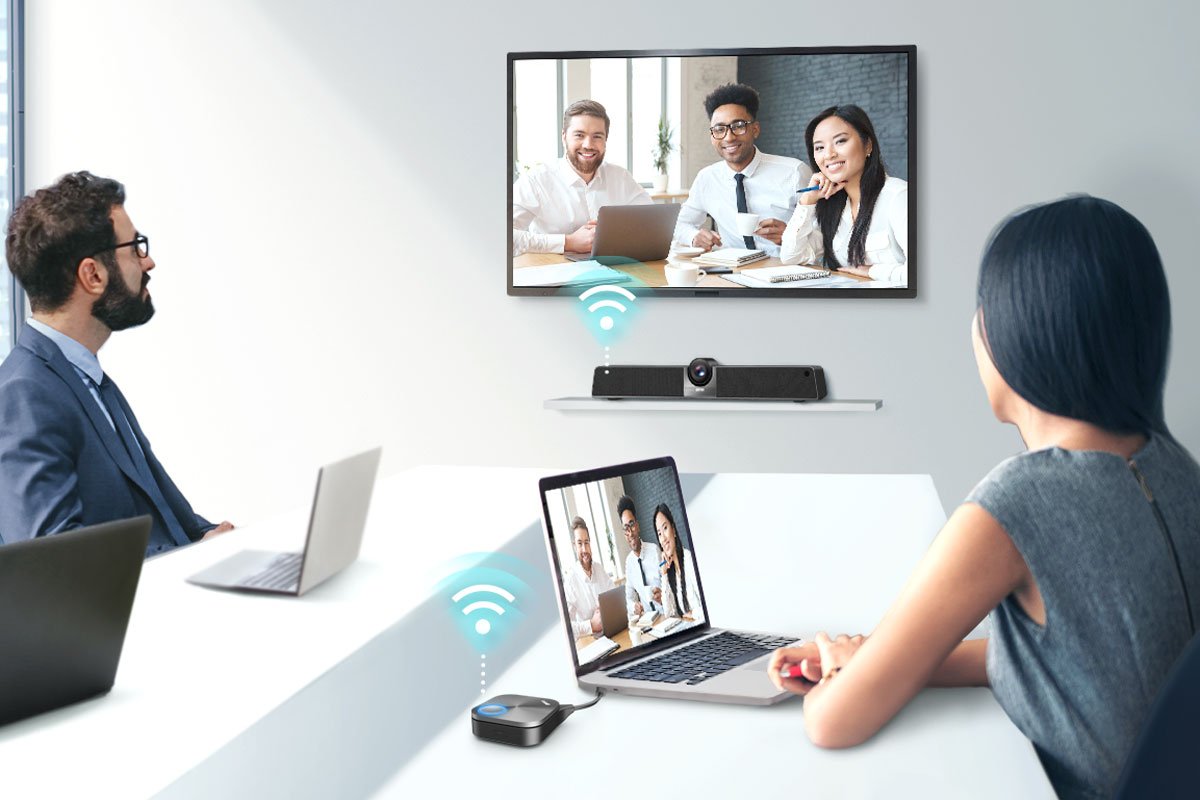
The BenQ Meeting Hub turns any projector, TV, or display into a complete meeting room solution designed for instant video conferencing and wireless presentations. All you need to do is click and start.
Wirelessly share content with everyone in the room no matter what notebook you’re using. The InstaShare Button Solution is compatible with Windows, macOS, and Chrome OS laptops.
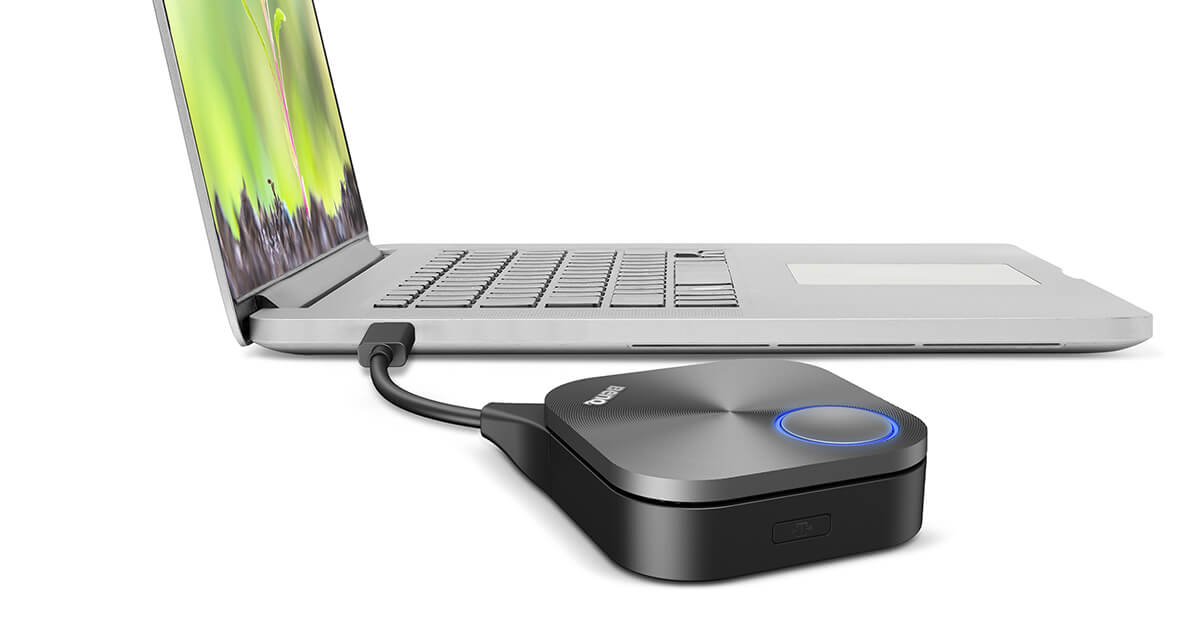
The USB Type-C connector enables a one-cable plug-and-play solution that works seamlessly with Windows notebooks, MacBooks, and Chromebooks. Just plug the InstaShare Button in and start sharing content with a single click.
Get a side-by-side view of everyone’s contributions. The InstaShare Button Solution works with InstaShare 2, a wireless screen sharing software that lets up to 9 devices cast content simultaneously on a BenQ display. With touchback, devices can be controlled right form the display.

Enjoy smooth discussions and presentations without disruptions. The InstaShare Button Solution features industry-leading connection quality to ensure stable screen sharing for everyone in the room.
- Free shipping on orders over $50
- Standard delivery within 2–5 business days
- Easy 30-day returns
- Return items in original condition for a full refund
